Bring in your manuscript
Bring in your Word, Pages or Google Docs file. Koberger finds your chapters and builds the book around them. Anything it gets wrong, you can fix.
Book formatting software for indie authors
Bring in your Word document, choose a design you like, and download EPUB and print PDF files, ready for Amazon, Kobo and every other store. No design skills needed, nothing to install.

Four steps, and you can see exactly what your book will look like at every one of them.
Bring in your Word, Pages or Google Docs file. Koberger finds your chapters and builds the book around them. Anything it gets wrong, you can fix.
Title page, copyright page, dedication, acknowledgements. The pages every book needs, and Koberger writes the ones it can for you.
Start from a ready-made design, then change the fonts, spacing, and chapter headings to suit your book.
Read every page as it will appear on a Kindle and as it will look in print. When you’re happy, download your EPUB and print PDF.
Most formatting tools treat every book as a fresh start. Koberger remembers what you did last time, so your second book is quicker than your first.
Your bio, your copyright page, your list of other books: save them once and drop them into every book you publish. Change one, and it changes everywhere.
Book five should look like book one, and it will. Koberger checks your books against each other and lets you make one change across all of them at once.
Text message conversations, poetry, tables, letters and quotes, all laid out properly instead of typed in and hoped for.
Send early copies to reviewers with their own name printed on the file, so you know where a leaked copy came from.
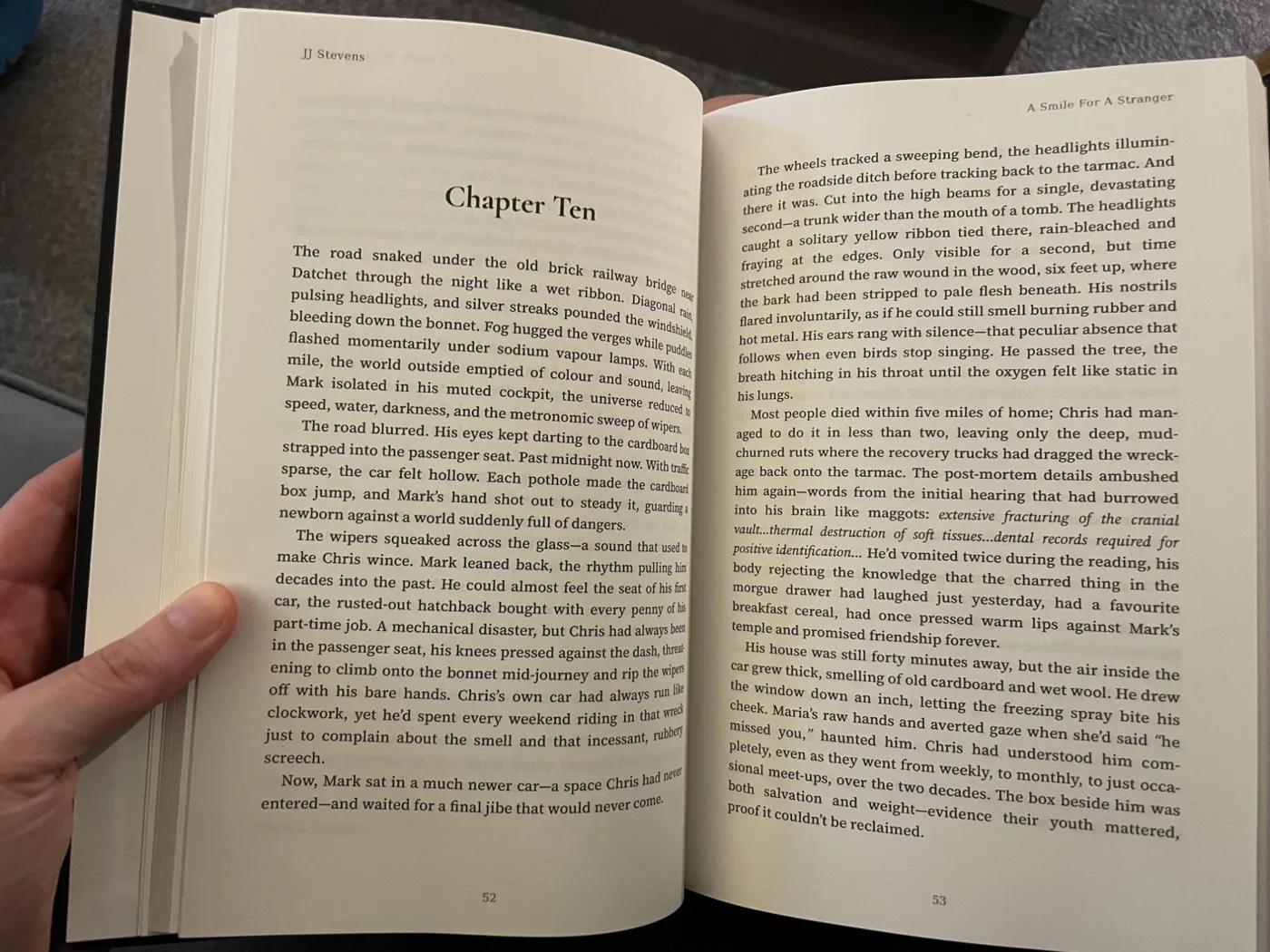
Made with Koberger
“Koberger was a fantastic experience. I was quite nervous about how to format my first book, but was amazed at how easy the programme was to use. I’m really impressed with the quality and format. Will definitely use when I write my next book.”
 JJ Stevens
Author of A Smile For A Stranger
Build your whole book, design it, and preview every page at no cost. Going Pro is only for exporting the finished files.
Secure payments by Stripe
See your whole book before you pay a penny.
Pay monthly or yearly, not one big one-time fee.
No lock-in. Stop whenever you’re done.
Your books stay in your account if you pause.
Every change saves itself as you go. There’s no file to lose, no laptop to back up, and everything you make belongs to you.
Your files pass the checks Amazon, Apple Books, Kobo, IngramSpark and the printers run, so you’re not sent back to fix them.
Nothing to download and nothing to buy first. Koberger opens in a browser on Windows, Mac, Linux or a Chromebook.
Koberger lays your book out. It doesn’t write it, and we never train anything on your manuscript.
No. Koberger runs in any web browser on Windows, Mac, Linux, or a Chromebook, with nothing to install.
Yes. You can bring in your manuscript, design your book and read every page for free, with no card required. You only pay when you export the finished files.
You can cancel at any time, with no lock-in. Your books stay in your account, so nothing’s lost, and you can pick up again whenever you like.
Yes. Koberger’s files pass the stores’ own checks, so they upload without errors to Amazon KDP, IngramSpark, Apple Books, Kobo, and other stores and printers.
Koberger runs in the browser on any device, and you pay monthly or yearly rather than one large fee up front. It’s also built for authors who keep publishing: you save pages like your bio and copyright page once and reuse them, and you can keep a whole series looking the same.
No. Koberger is a formatting tool, not an AI writer, and we never train on your manuscripts. Your writing stays entirely yours.
Bring in your manuscript, choose a design, read every page, and download your files. Then keep the design, and you’ll do the next one faster.